
Create Professional
Email Signature
Add your details, customize your style, and get a signature that looks
perfect everywhere whether it’s Gmail, Outlook, or anywhere your emails go.
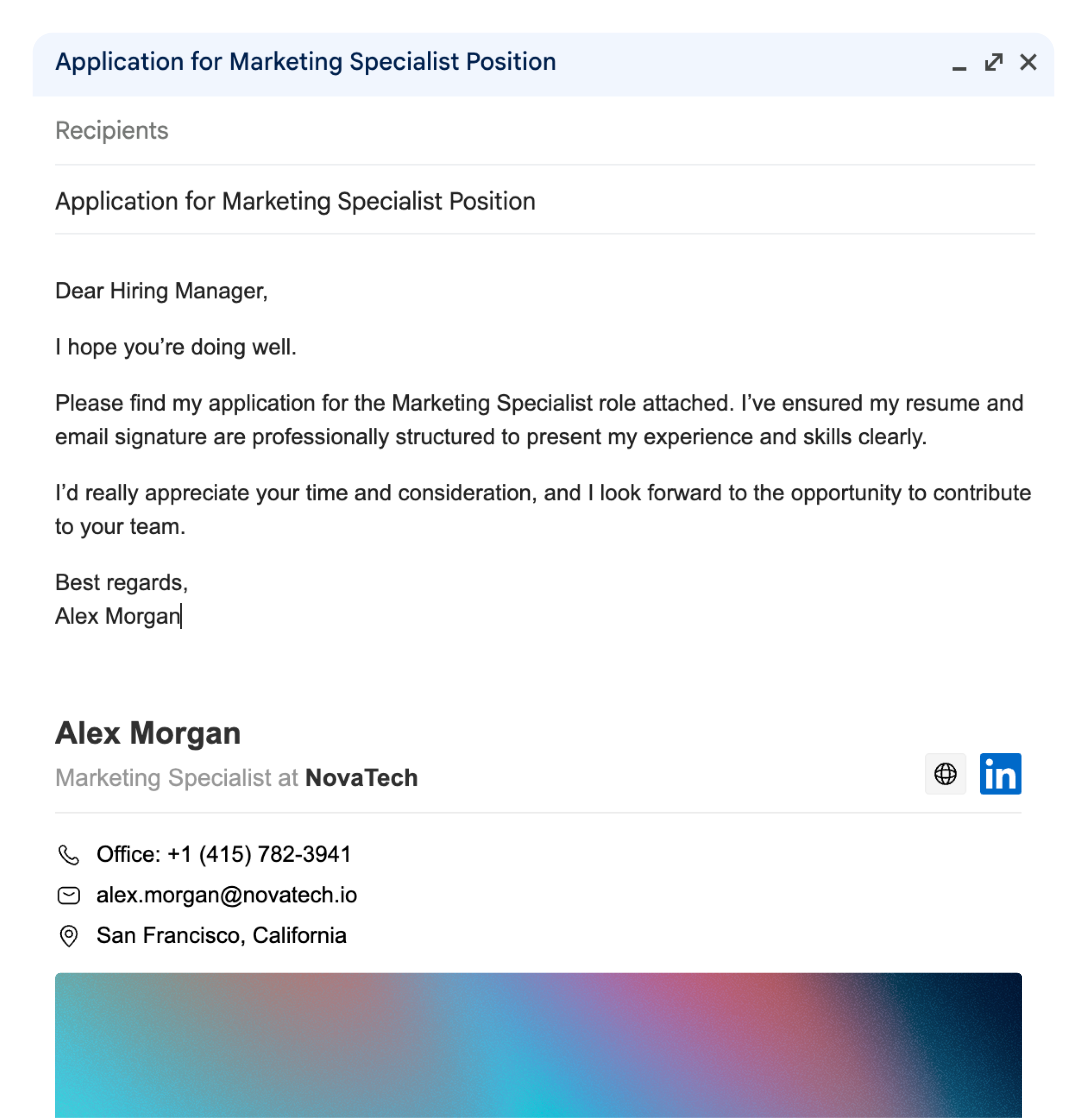
Create your email signature
Fill in your details and watch it come alive
(max 2)
Live Preview
This is how your signature will look in emails
How to Add Your Signature to Gmail
- Fill in your details on the left.
- Click "Copy Signature."
- Open Gmail → Settings → See all settings → Signature.
- Click Create new, then paste your signature (Ctrl+V / Cmd+V).
- Click Save Changes — you're done!
Tip: If you don't want to add it in settings, you can simply copy and paste your signature directly into your email while writing.

Phone number
+994 (70) 600 87 77

Phone/Whatsapp
+994 (70) 600 87 77

Location
56A Bulbul Ave, Baku
Bootcamps
Academy
Career Boost


